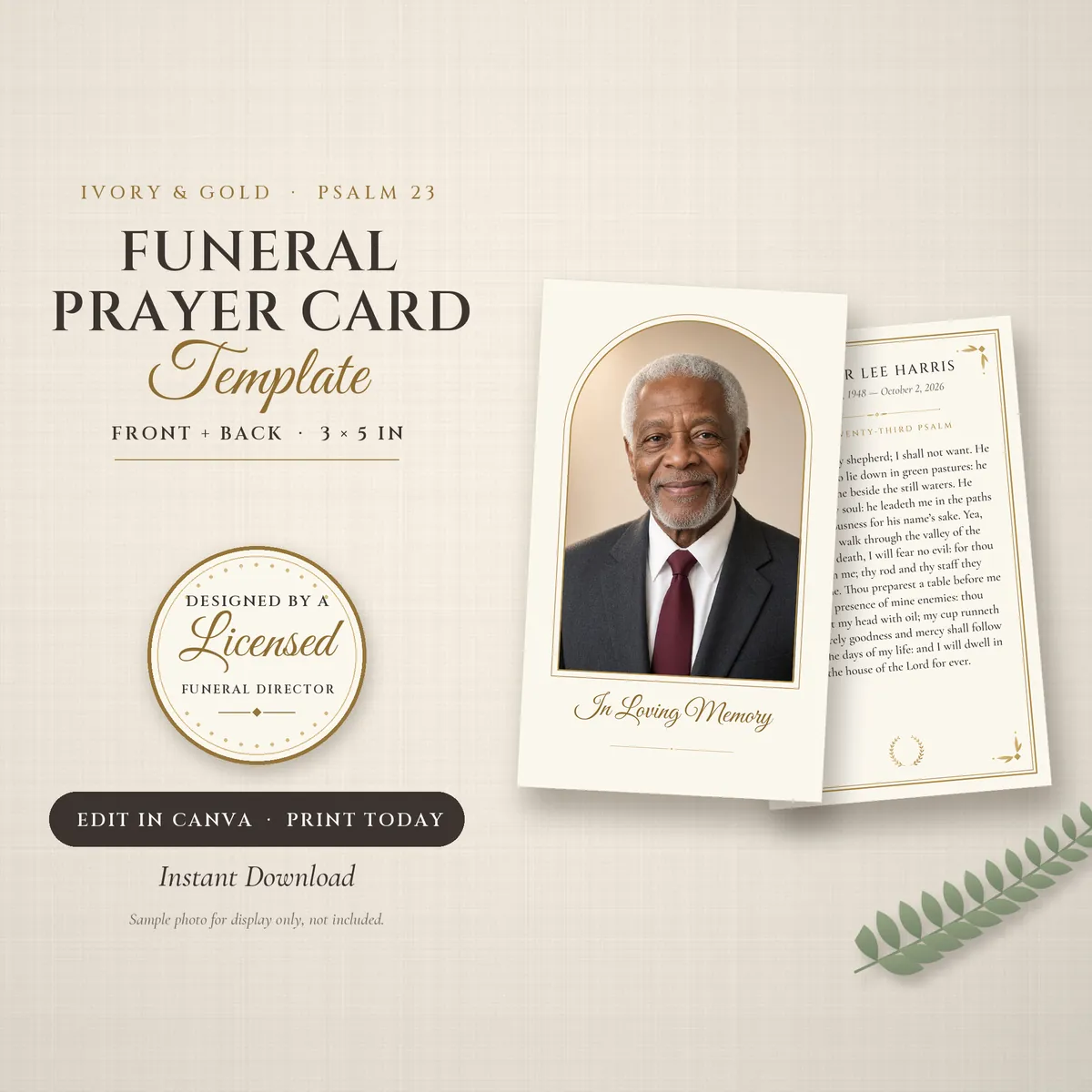
Ivory Gold Prayer Card, 3×5
A 3 × 5 inch keepsake card: a photo and "In Loving Memory" on the front; the name, dates and Psalm 23 inside a fine gold border on the back.
from $5.99
A clean, minimal program that prints on a single sheet: cover, obituary, order of service with interment and repast, and a back page for pallbearers.
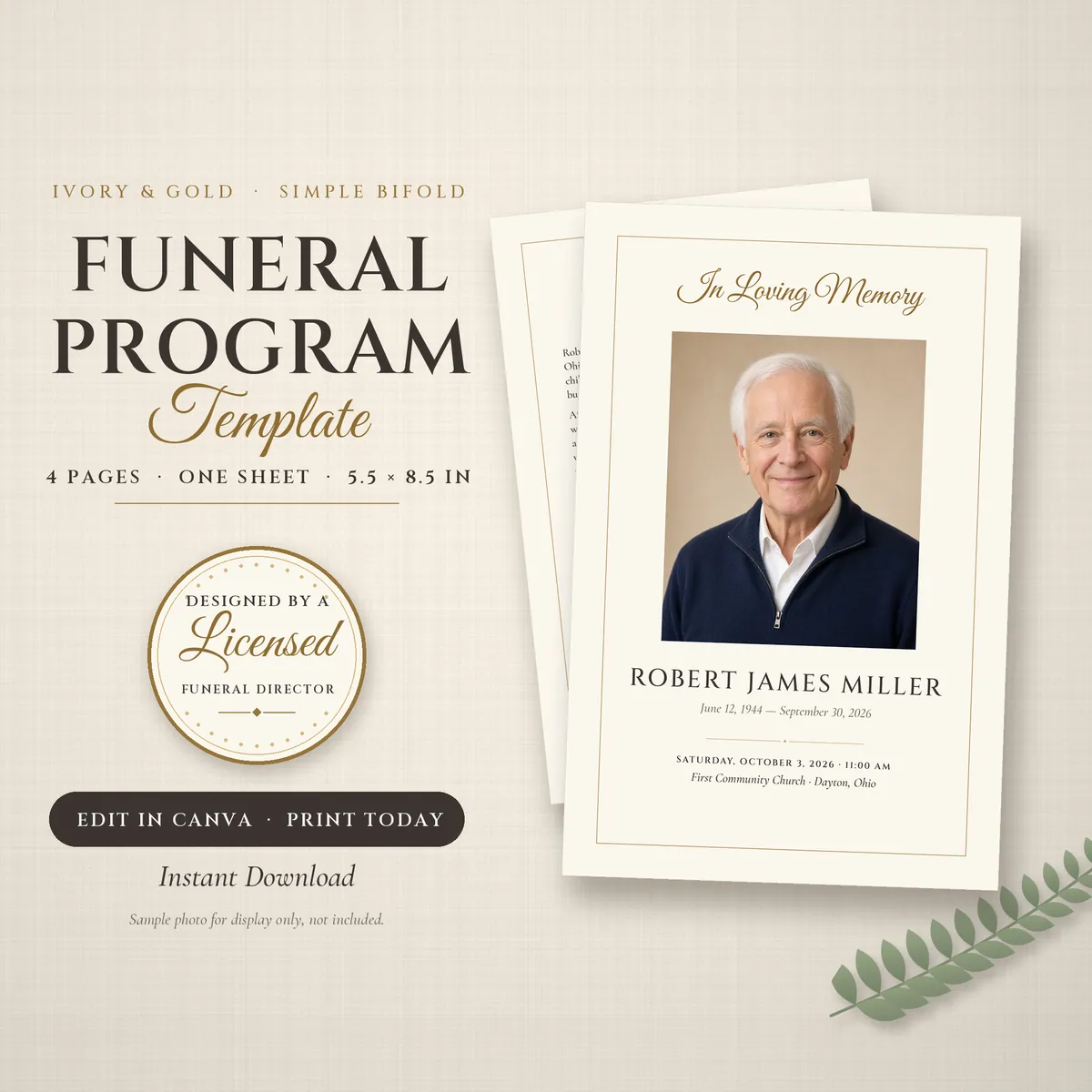
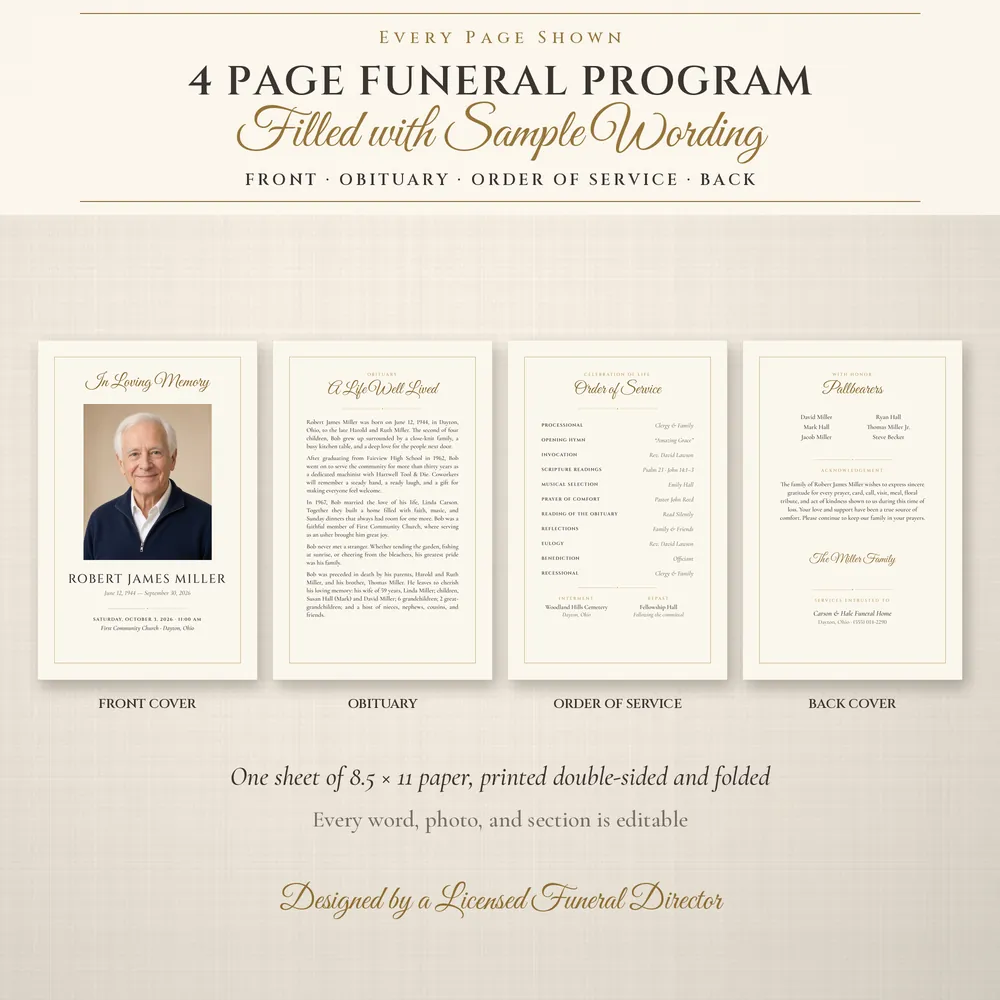
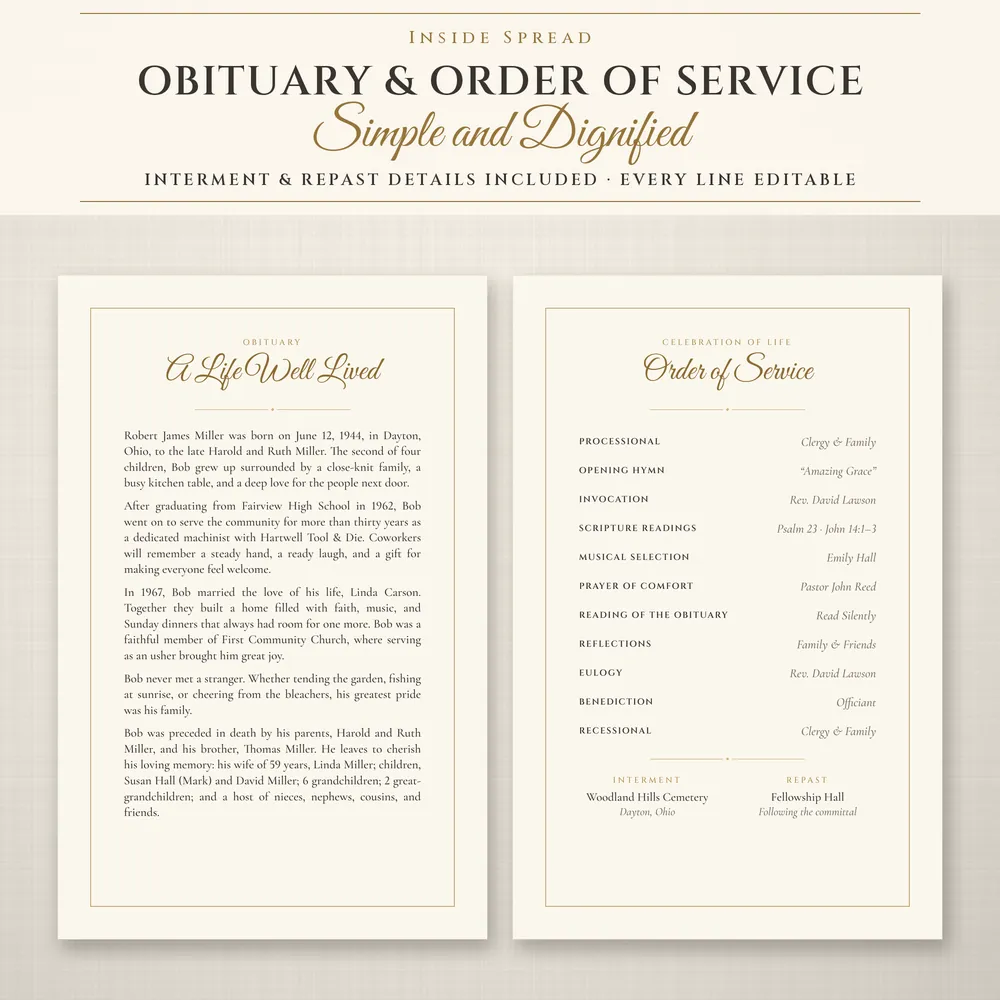
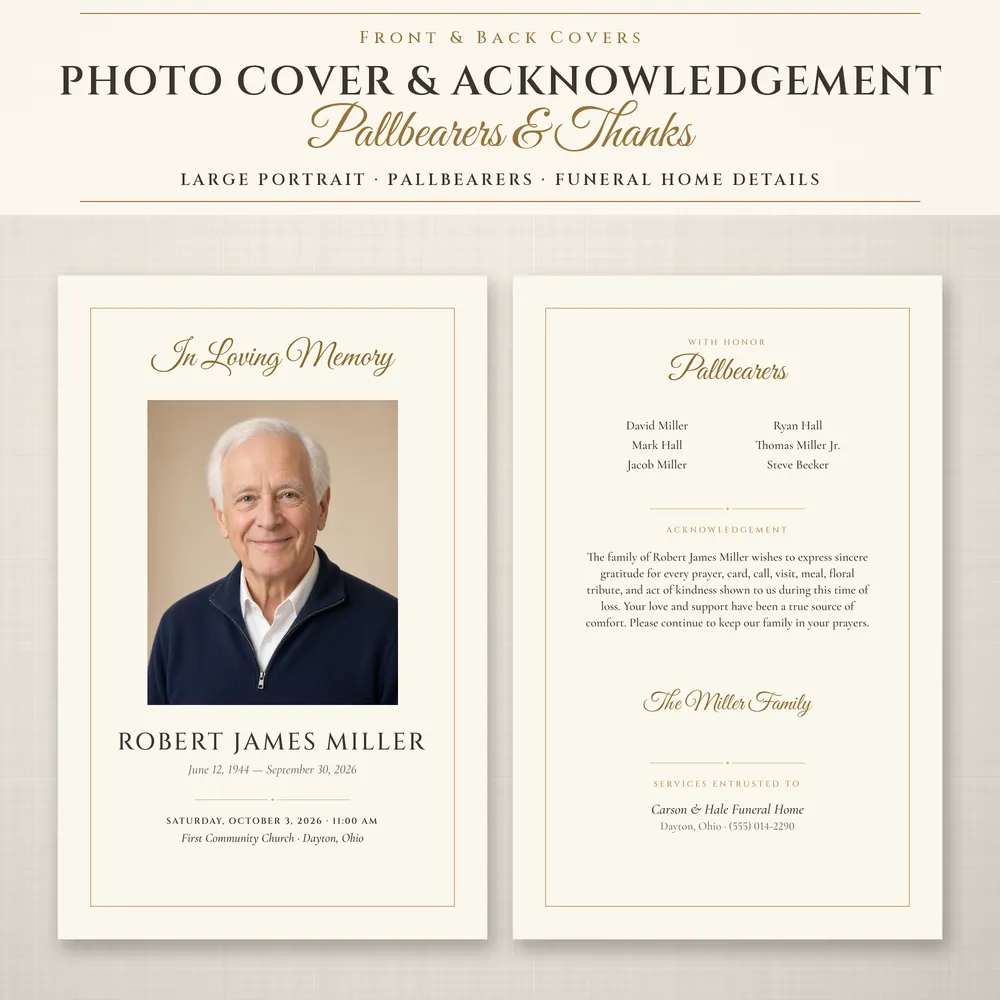

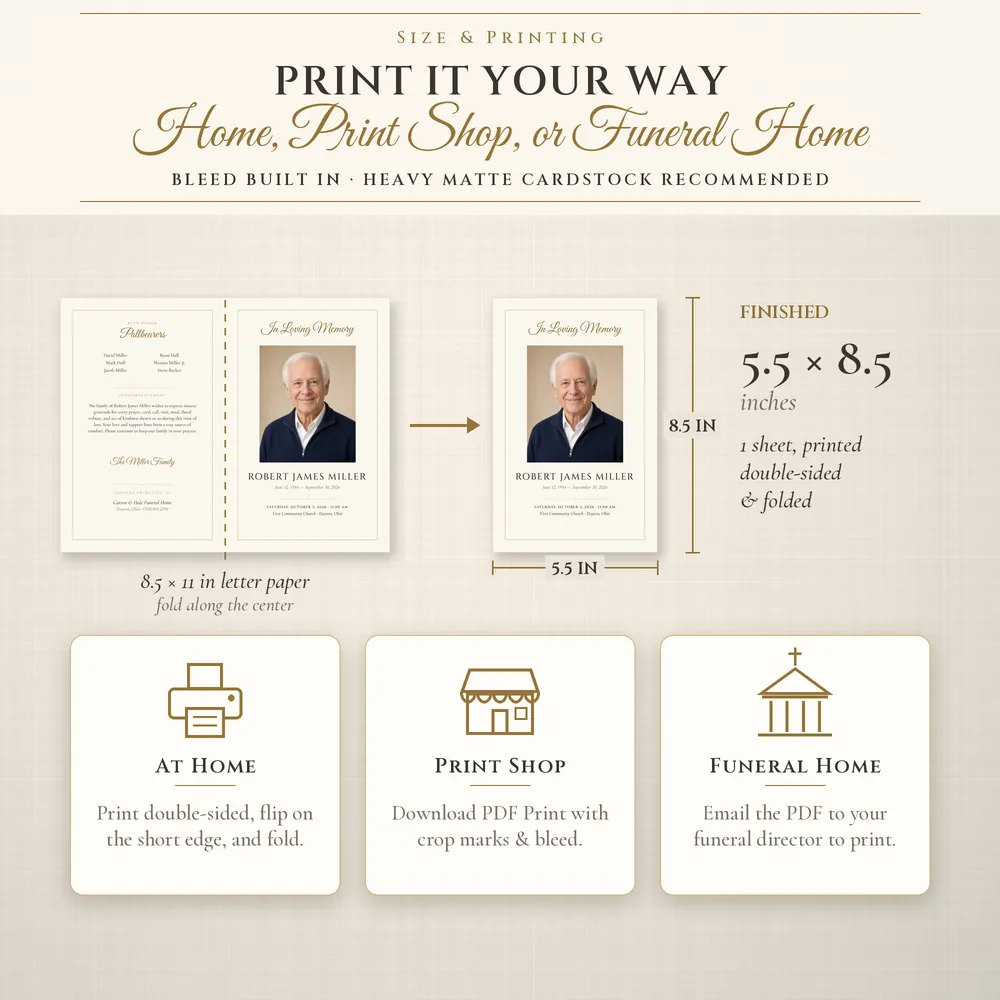
The portraits and names in these sample images are computer-generated placeholders. Photos are not included; you add your own.
Sometimes the program has to be done the night before the service. This one is built for that: one sheet of letter paper, printed on both sides and folded once, with only the sections most services need.
It also works when the service itself is short, such as a graveside service, or when you need a large quantity and want to keep printing costs down.
Before printing, have a second person read every name, date and spelling. It is the step most often skipped when time is short. Our guide to writing an obituary and the memorial service planner can help with the words and the order.
If you have the obituary written and the order of service confirmed, most of the work is typing it in and adding one photo.
Yes. Print one 8.5 × 11 sheet double-sided, flipping on the short edge, then fold in half.
Shorten the obituary or move it to a separate insert. If you need more space, the 8-page ivory and gold program uses the same fonts.
The ivory and gold 3 × 5 prayer card pairs well with this program.
Because this is an instant digital download, Etsy listings like this typically can't be refunded. If the file doesn't open or print correctly, message the shop on Etsy and we will help.
A 3 × 5 inch keepsake card: a photo and "In Loving Memory" on the front; the name, dates and Psalm 23 inside a fine gold border on the back.
from $5.99
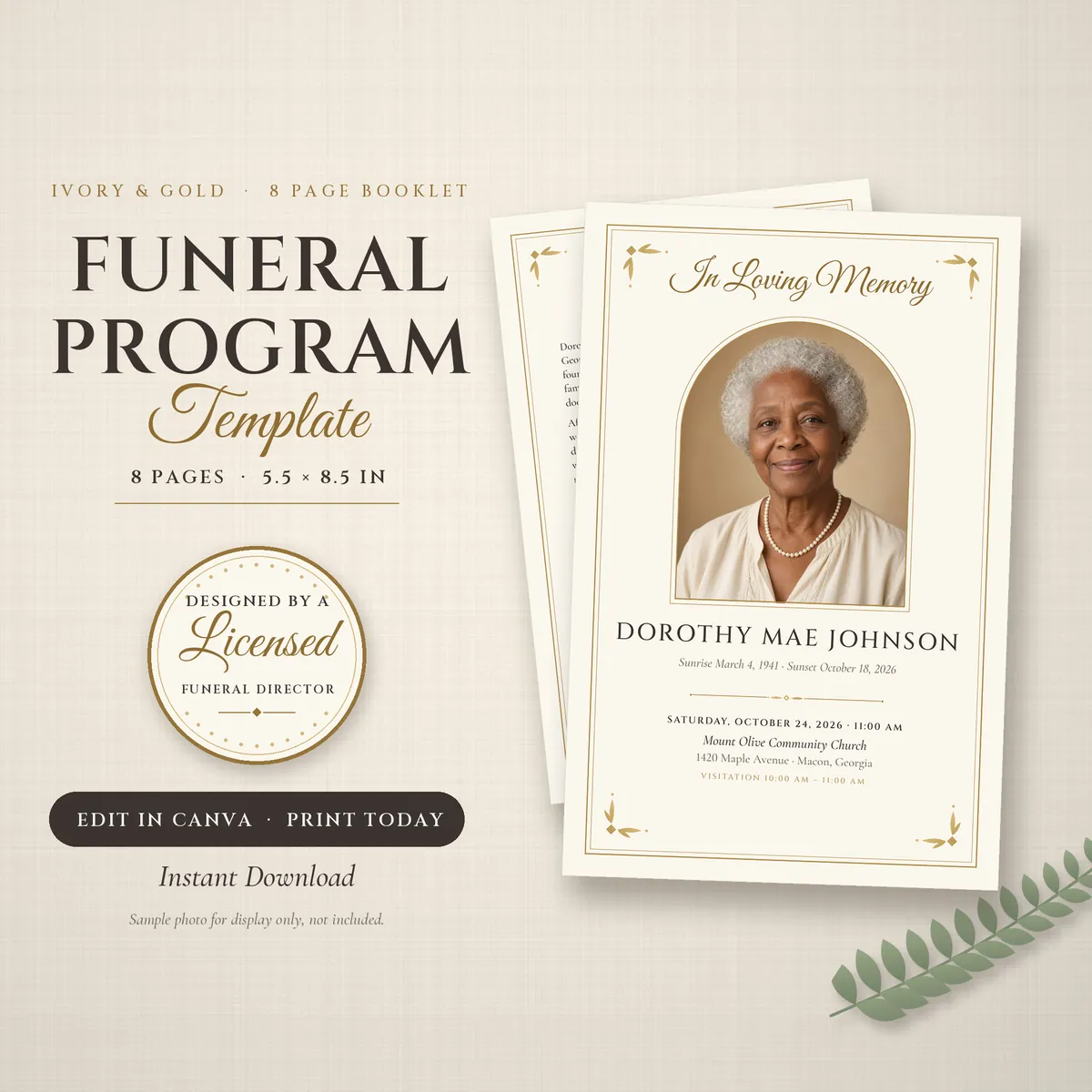
A classic ivory and gold booklet with a cover, obituary, full order of service, poem page, pallbearers, acknowledgements and a four-photo back cover.
from $9.99
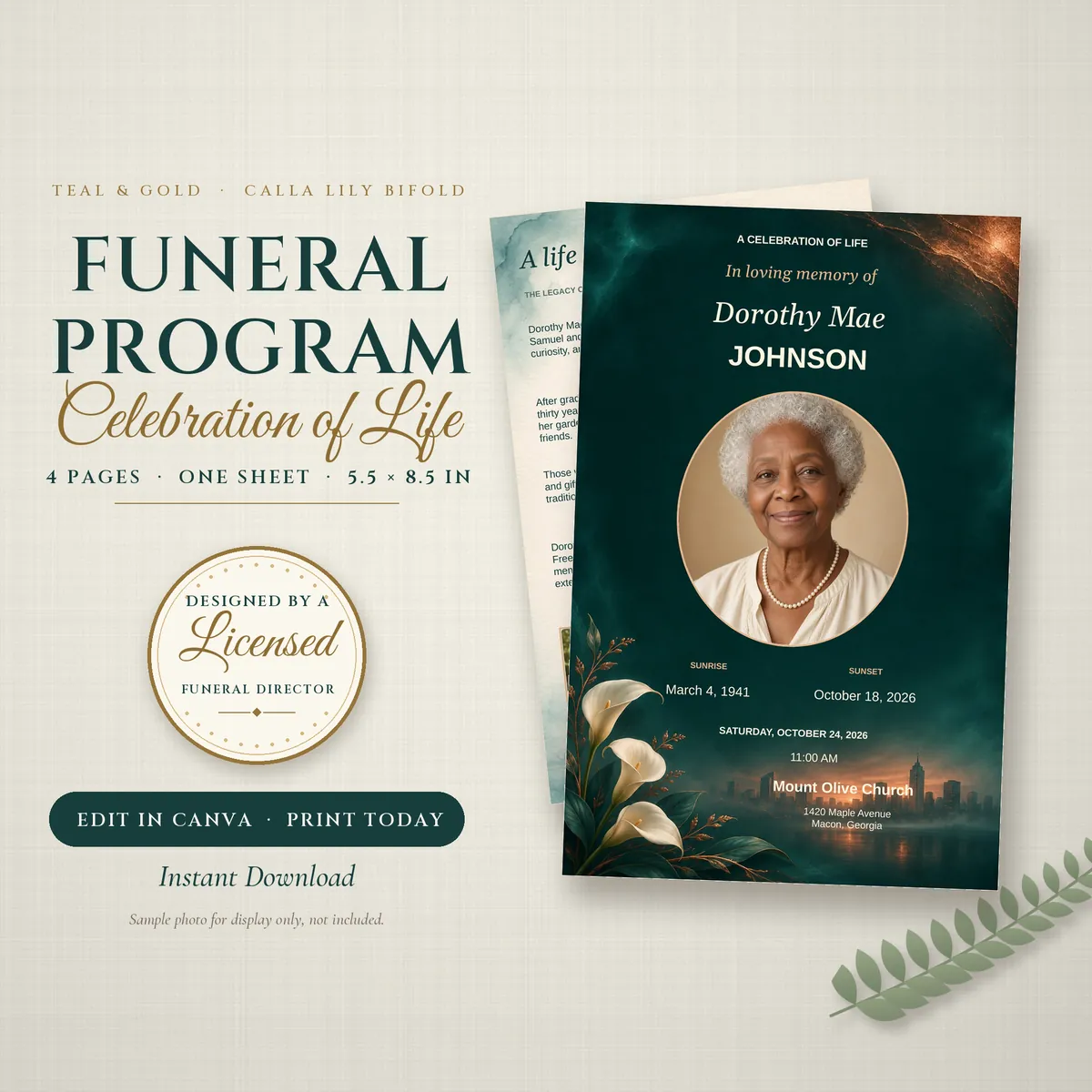
Deep teal covers with champagne-gold lettering and white calla lilies, cream inside pages, and an order of service suited to a celebration of life.
from $7.99